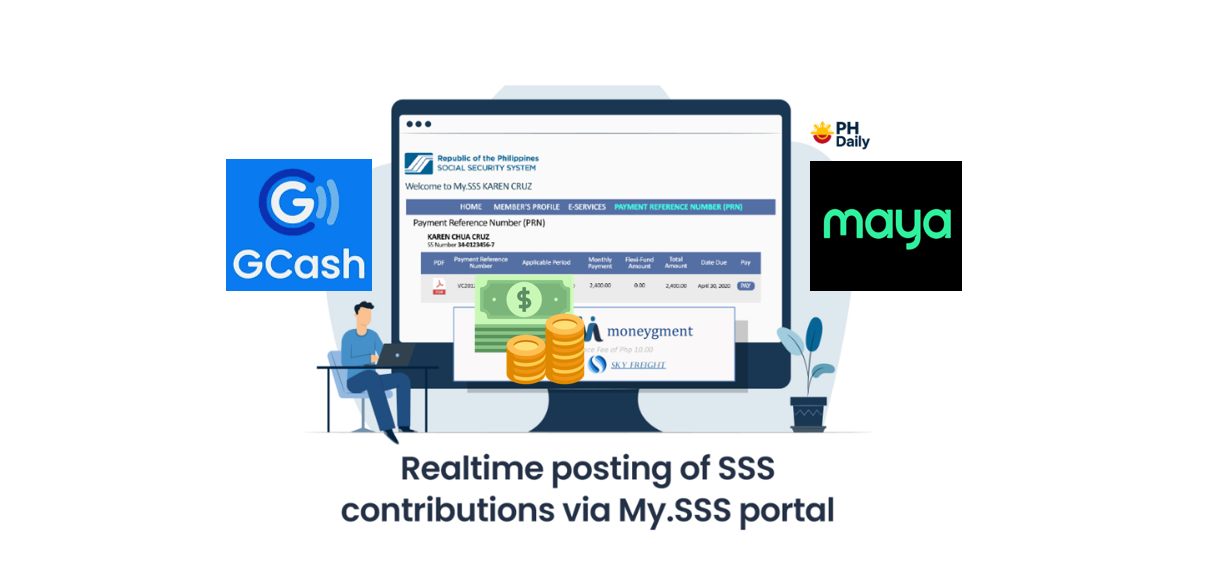
Paying your SSS contributions has become more convenient than ever! Whether you’re a self-employed worker, voluntary member, or OFW, you can now settle your monthly or quarterly payments using GCash or Maya — anytime, anywhere.
In this 2025 tutorial, we’ll walk you through the step-by-step process on how to pay your SSS contributions online using either of these trusted mobile wallets.
🧾 Why Pay SSS Contributions Online?
The Social Security System (SSS) encourages members to use online payment channels like GCash and Maya to make transactions faster and easier. No need to visit a branch or wait in long lines — just a few taps on your phone, and you’re done!
Benefits of paying via GCash or Maya:
- 24/7 availability
- Real-time posting of payments
- Safe and secure transactions
- Digital proof of payment
Step-by-Step Guide: How to Pay SSS Contributions via GCash (2025)
Step 1: Generate Your Payment Reference Number (PRN)
Before paying, you must first get your SSS PRN (Payment Reference Number).
You can generate it through:
- SSS Mobile App
- My.SSS Portal: https://www.sss.gov.ph
- Email/SMS notifications from SSS
Your PRN is unique for every payment period and required for all online transactions.
Step 2: Open Your GCash App
- Log in to your GCash account.
- Tap “Bills” from the homepage.
- Under “Biller Categories,” choose “Government.”
Step 3: Select “SSS Contributions”
- Tap “SSS Contributions.”
- Enter the following details:
- PRN (Payment Reference Number)
- Account type (e.g., Self-Employed, Voluntary, OFW)
- Amount to pay
- Email address (for payment receipt)
✅ Tip: Double-check your PRN and payment amount to avoid delays.
Step 4: Confirm and Pay
Review all details, then tap “Confirm.”
Once payment is successful, GCash will send you a confirmation message and email receipt.
💬 Keep your transaction reference number as proof of payment.
How to Pay SSS Contributions via Maya (2025)
Step 1: Get Your SSS PRN
Just like in GCash, generate your Payment Reference Number via:
- SSS Mobile App
- My.SSS web portal
Step 2: Open the Maya App
- Log in to your Maya account.
- Tap “Bills” on the home screen.
- Select “SSS Contributions.”
Step 3: Enter Your Payment Details
Fill out the following:
- PRN
- Payor type
- Amount to pay
- Email address
Then tap “Continue” to proceed.
Step 4: Confirm Payment
Check all information and click “Pay Now.”
You’ll receive an in-app confirmation and email receipt once the transaction is complete.
📅 SSS Contribution Payment Schedule 2025
| Membership Type | Frequency | Deadline |
|---|---|---|
| Self-Employed | Monthly/Quarterly | Last day of the month following applicable month |
| Voluntary | Monthly/Quarterly | Last day of the month following applicable month |
| OFW | Anytime within the applicable year | December 31 of the applicable year |
💰 SSS Contribution Payment Fees
- GCash: ₱15 convenience fee per transaction
- Maya: ₱10–₱15 transaction fee (depending on the amount)
✅ Fees are automatically added to your total bill during checkout.
Tips for Paying SSS Online
- Always verify your PRN before paying — incorrect PRNs may cause payment posting issues.
- Ensure you have enough balance in your GCash or Maya wallet.
- Save a screenshot or email receipt as proof of payment.
- Update your SSS email to receive PRN reminders automatically.
Frequently Asked Questions (FAQs)
1. Can I pay SSS contributions without a PRN?
No. A Payment Reference Number (PRN) is required to ensure your payment is correctly posted to your SSS account.
2. How do I know if my payment was successful?
You’ll receive:
- An SMS confirmation from GCash/Maya
- An email receipt
- You can also check your My.SSS account for posting confirmation.
3. Can employers use GCash or Maya to pay employee contributions?
Currently, GCash and Maya payments are available for individual members (self-employed, voluntary, and OFWs). Employers should use SSS Payment Partners or Bank e-payment facilities.
4. What if I entered the wrong PRN or amount?
If payment was already processed, you may file a payment correction request through your nearest SSS branch with proof of payment.
5. Is paying via GCash or Maya safe?
Yes. Both apps are authorized SSS payment channels and use secure encryption to protect your transactions.
Final Thoughts
Paying your SSS contributions online using GCash or Maya in 2025 is simple, fast, and secure. As long as you have your PRN, a stable internet connection, and sufficient wallet balance, you can keep your SSS membership active — all without leaving home.
Stay updated, pay on time, and enjoy the benefits of digital convenience with SSS!