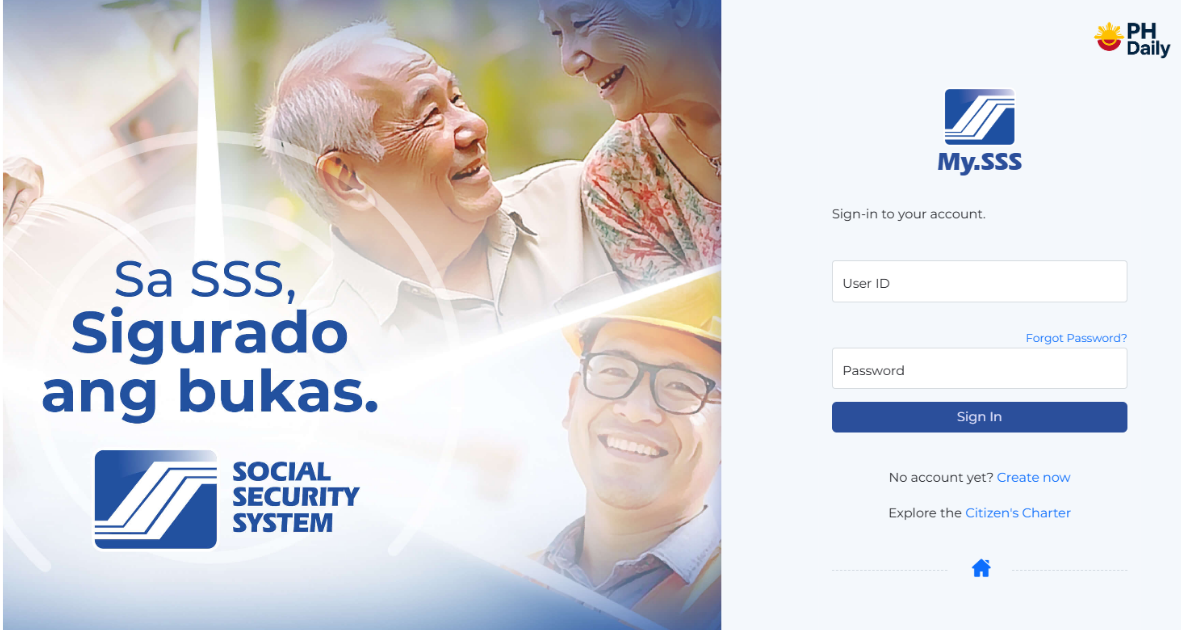
Managing your Social Security System (SSS) records is now easier than ever. With the upgraded SSS Online portal (My.SSS), members can register, check contributions, apply for benefits, and make payments — all from the comfort of their homes.
This guide will walk you through how to register and log in to your SSS online account in 2025, plus useful FAQs for first-time users.
🧾 Step 1: Visit the Official SSS Website
Go to the official SSS website at https://www.sss.gov.ph.
Click the “Member” button under the Portal Login section. You’ll be redirected to the My.SSS portal, where you can either log in or sign up as a new user.
📝 Step 2: Register for an SSS Online Account
If you don’t have an account yet, click “Not yet registered in My.SSS?” and fill out the registration form.
You’ll need to provide the following:
- Your SSS number
- Email address (active and valid)
- Full name, date of birth, and address
- One valid document such as UMID card, Employer ID, or Payment Reference Number (PRN)
After submitting the form, check your email for a confirmation message. Click the link provided to activate your account.
💻 Step 3: Log in to Your SSS Online Account
Once your account is activated, return to https://www.sss.gov.ph and click “Member Login.”
Enter your User ID and Password to access your My.SSS dashboard.
Here, you can:
- Check your SSS contribution history
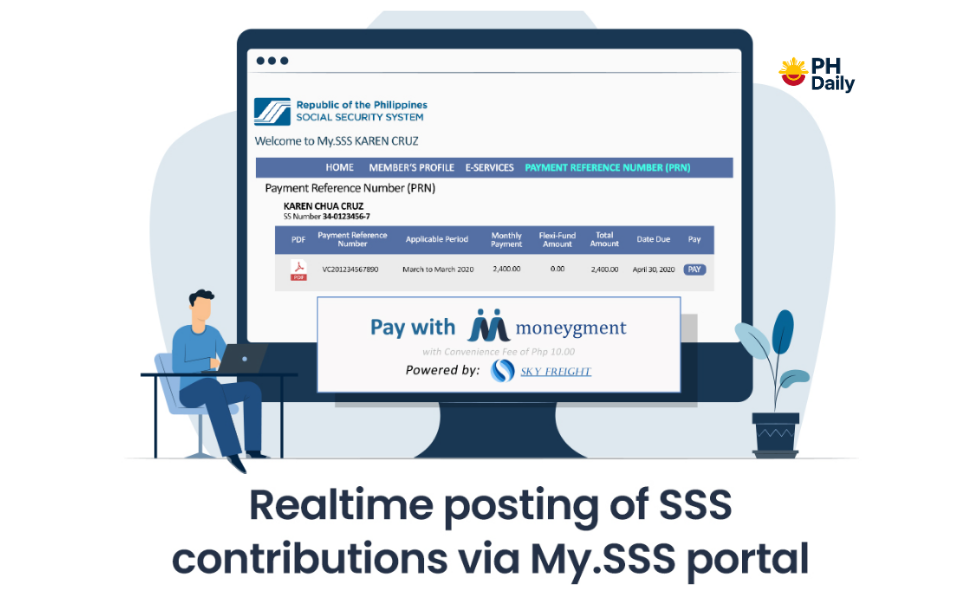
- Generate PRNs for payments
- File salary or maternity loan applications
- Update member information
- Download records or benefit claims
🔑 Step 4: Forgot Password or User ID?
If you forget your login details, click “Forgot User ID or Password?” on the login page. Enter your registered email address to reset your credentials securely.
📱 Pro Tip:
You can also access SSS services via the SSS Mobile App, available on Google Play and App Store — perfect for checking your contributions on the go.
Frequently Asked Questions (FAQs)
1. What is the SSS Online (My.SSS) portal?
The My.SSS portal is the online platform of the Social Security System, where members can view records, contributions, and apply for benefits or loans.
2. Who can register for an SSS online account?
All SSS members, including employees, self-employed, OFWs, and voluntary members, can register for a My.SSS account.
3. What should I do if I don’t receive my email confirmation?
Check your spam or junk folder. If there’s still no email, wait for a few hours or contact the SSS hotline (1455) or email [email protected].
4. Can I register in SSS online without a PRN?
Yes. You can use other valid registration details such as your UMID card, Employer ID, or Payment Receipt Number instead of a PRN.
5. Is there a fee to use the SSS online portal?
No. The SSS online registration and login services are completely free for all members.
Final Thoughts
The SSS Online 2025 portal is the easiest way to stay updated with your social security benefits. By registering for a My.SSS account, you can save time, avoid long queues, and enjoy 24/7 access to essential services.